Status pages customers
can actually trust.
Public status pages and private pages from the same incident workflow. Use private pages for internal teams or restricted audiences that need a different operational view.
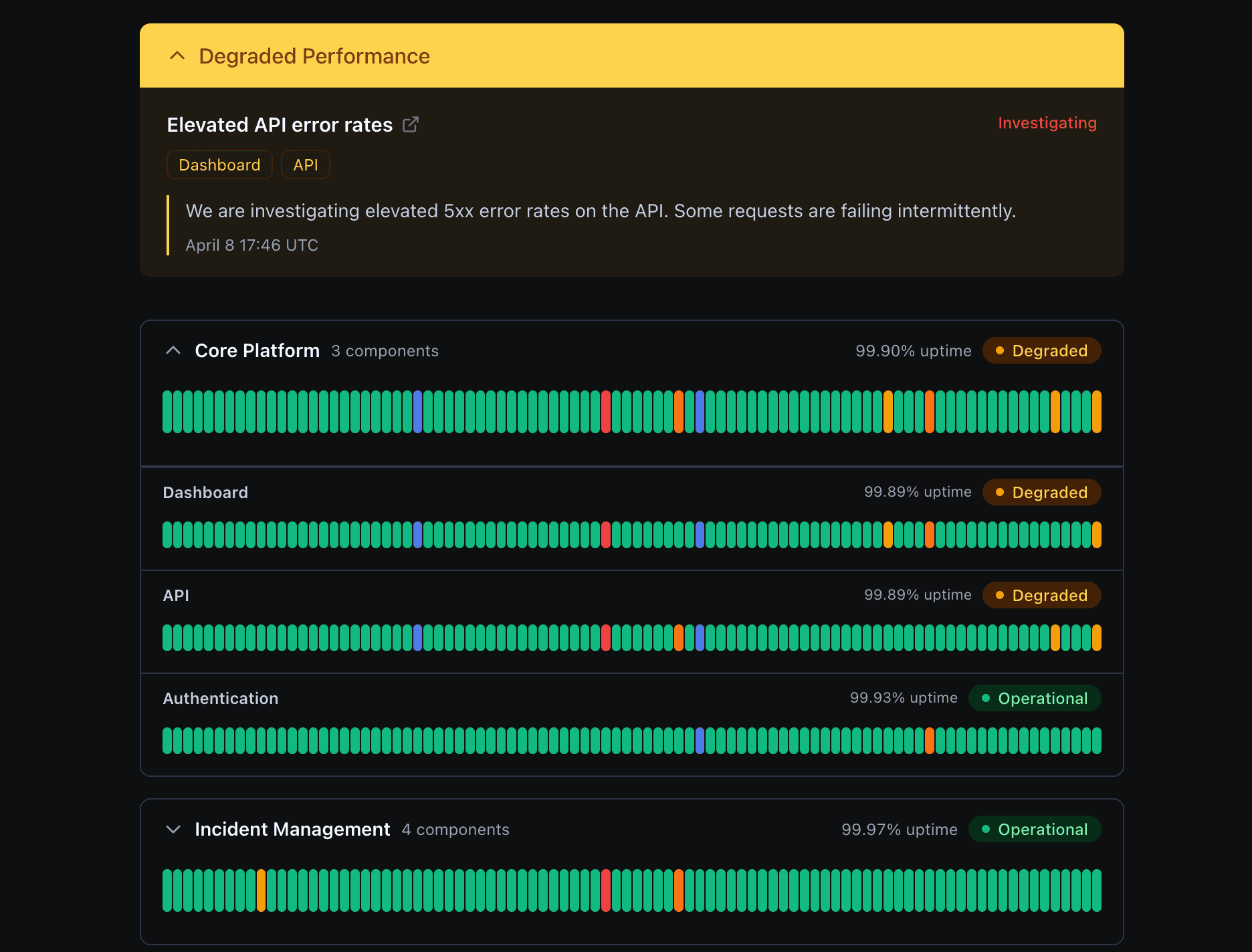
One status system for every audience
Use the same operational source of truth for customers, restricted audiences, and internal teams without turning internal visibility into a separate workflow.
Public status pages
Publish customer-facing uptime, incidents, and maintenance updates without exposing internal coordination.
Private status pages
Share restricted service health with authenticated stakeholders who need more than the public view.
Internal team visibility
Use private pages to give support, success, sales, leadership, and engineering one trusted place to check what is happening.
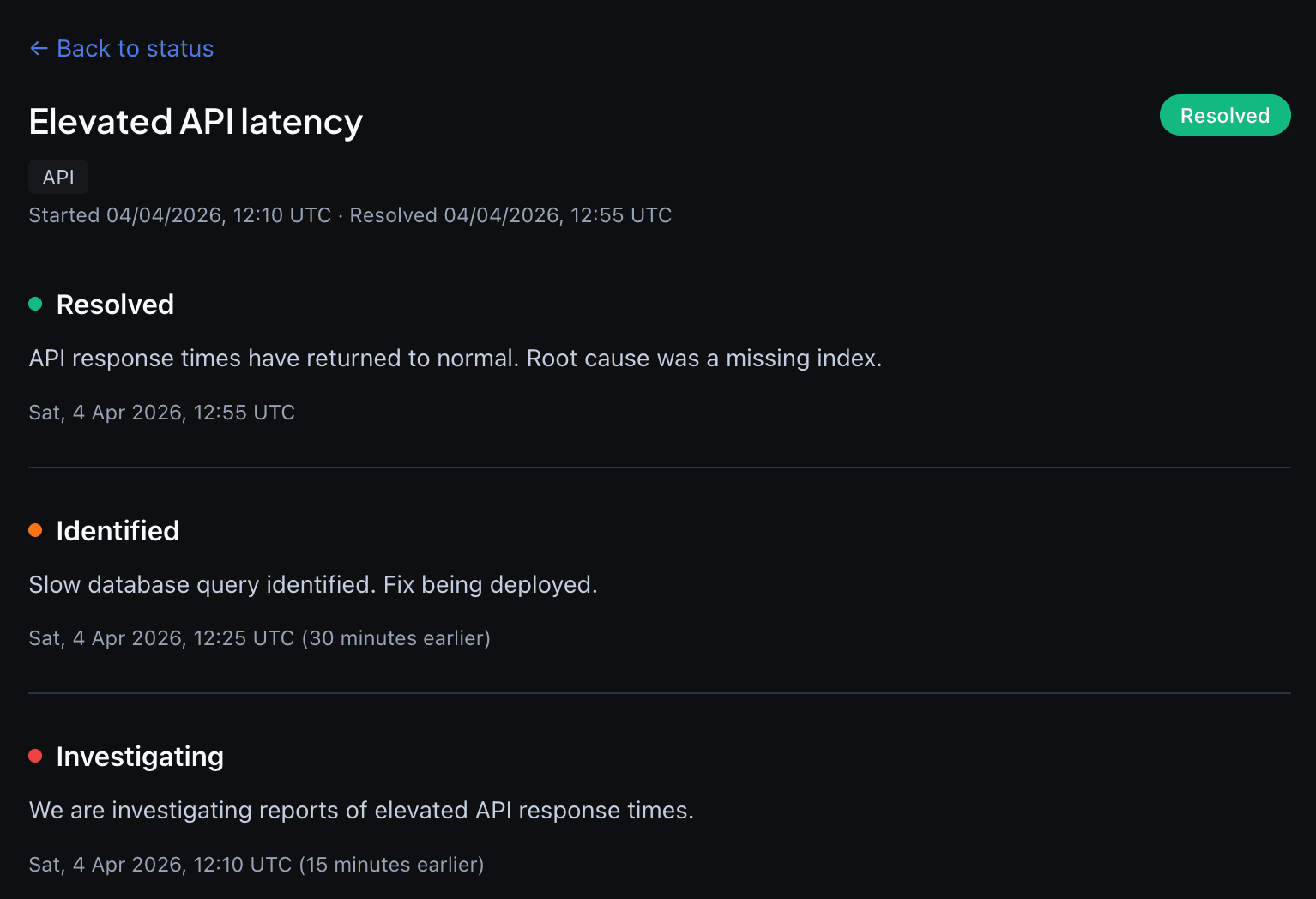
Publish clean incident updates, not internal chaos
When something breaks, your team can publish a customer-facing incident with its own timeline and resolution history. Customers see the status, start and resolution time, and the updates that matter to them. They do not see the internal back-and-forth, debugging noise, or half-formed theories from your incident channel.
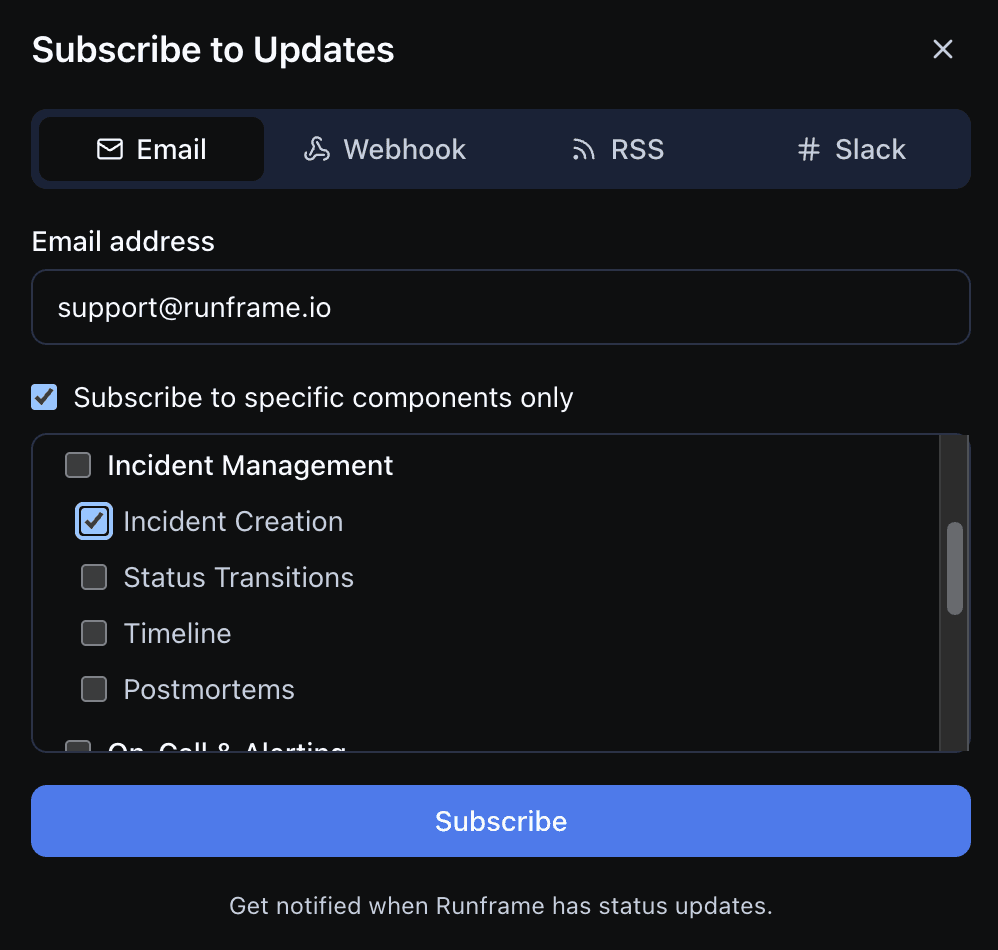
Let customers subscribe the way they already work
Email for humans. Webhooks for downstream systems. RSS for simple monitoring. Slack for teams that want status updates in the same place they collaborate. Subscribers can follow the full page or only the components they depend on, which keeps update fatigue down when one incident touches just part of the platform.
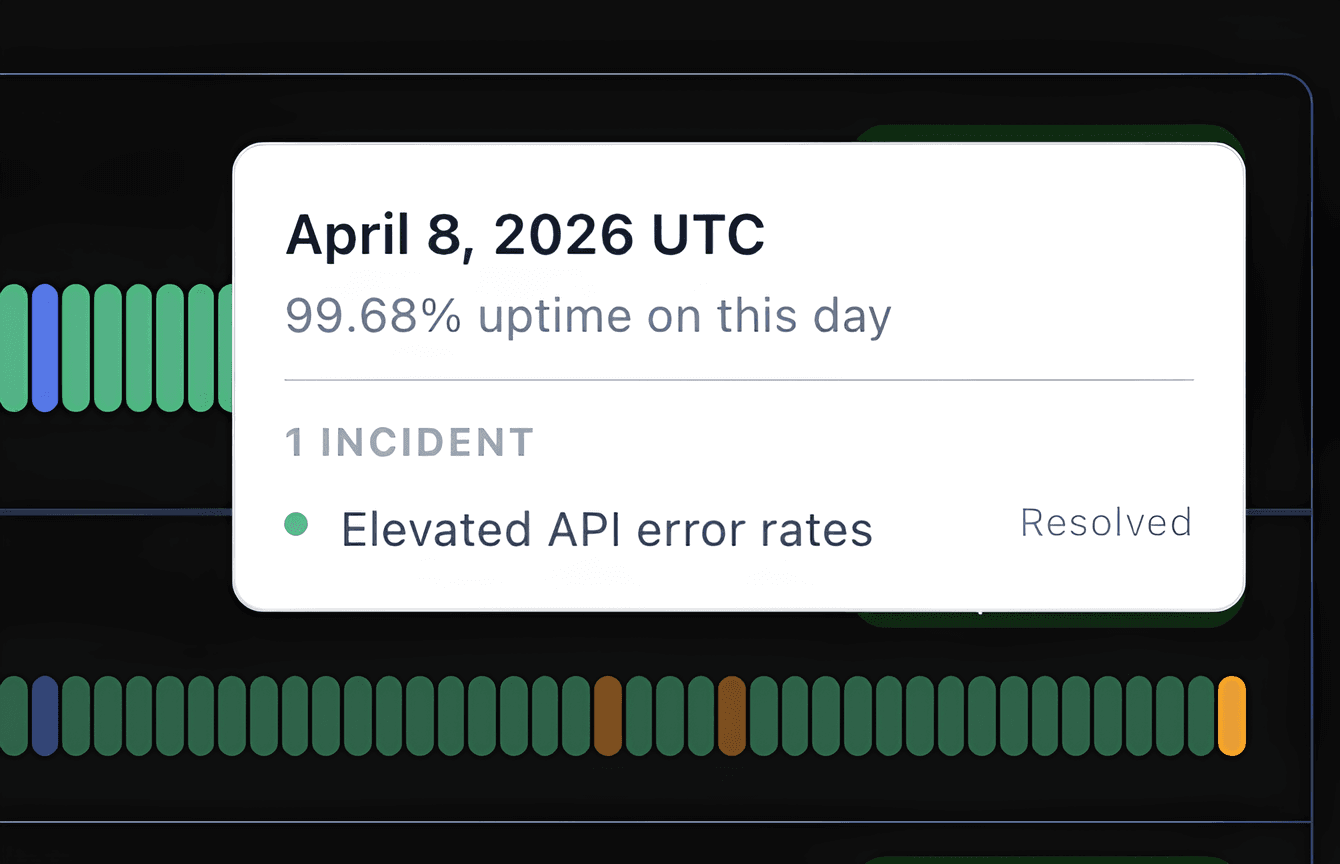
Give customers the full uptime trail
The uptime bars are not decorative. Customers can inspect a degraded day, see the exact incident that caused it, and confirm whether the issue is resolved. That means fewer support tickets asking if an outage is still active and fewer sales follow-ups asking for a manual incident summary.
Frequently asked questions
Stop writing status updates from scratch.
Keep customers informed publicly, and use private pages for internal teams or restricted audiences without leaking incident-channel noise.